
Confirmed, Announced, Expected: How to Read an Event Listing
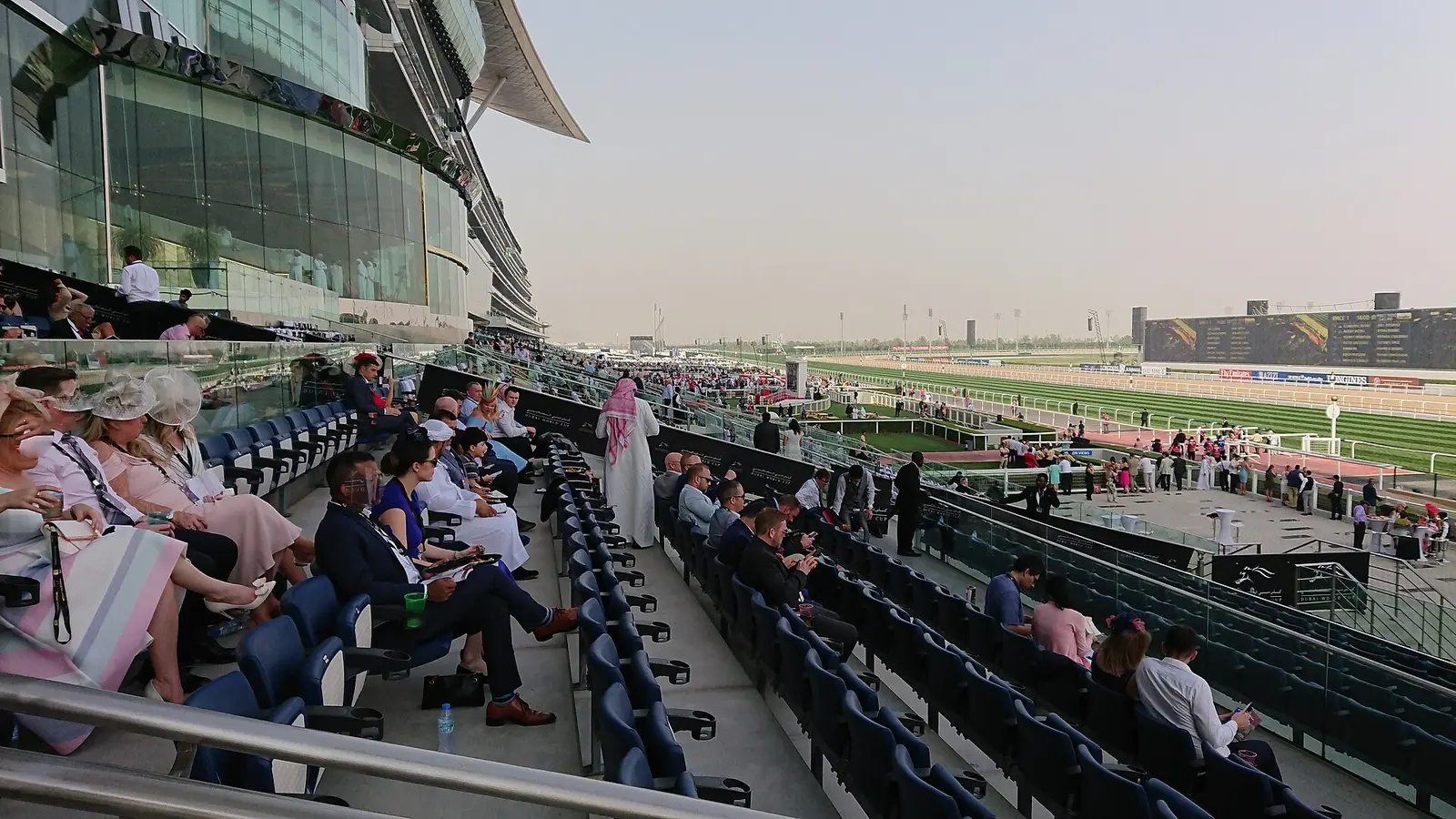
Photo: Imadkayyali, CC BY-SA 4.0
Event dates in the UAE move more often than visitors expect. UNTOLD Dubai shifted from November 2026 to March 2027. The Guggenheim Abu Dhabi has an opening date that is scheduled, not yet open. Ramadan depends on the moon. A listing that treats all of these as equally certain is misleading, so every Hadath page carries a status.
The three labels
- Confirmed
- The date and venue come from the organiser itself or from an official tourism or federation release. Example: the DP World Tour Championship, which the tour's own page lists for 12 to 15 November 2026 on the Earth Course at Jumeirah Golf Estates.
- Announced
- A reliable outlet reports the date, but the programme, ticketing or an official page is still to come. Example: UNTOLD Dubai's March dates, reported by What's On and shown on the festival's site, with no line-up yet.
- Expected
- The date depends on something that has not happened. Example: Eid Al Fitr, which follows the moon sighting.
Why prices say "from"
When a price appears, it is the lowest category reported by a named outlet on a named date. Ticket prices change with demand and with each release, and categories sell out. The page tells you who reported the price, and sends you to the official seller for the figure that applies today. When no outlet has printed a price, the page says "price not published" rather than guess.
Where a source disagrees with another
Sources differ more than you would think. American Ballet Theatre at Emirates Palace is listed for 20 November by The National and 21 November in the Abu Dhabi Festival's own listing. Dubai Opera's seating is given as about 2,000 in one place and 1,901 in another. Where we have found a conflict, we say so on the page and tell you which to check, which is nearly always the date printed on your own ticket.
How to check a date yourself
- Open the sources listed at the bottom of the Hadath page.
- Look for the organiser's own page, not a repost.
- Check the date the page says it was updated.
- For a ticket, confirm the date and venue in your confirmation email.
Our own explanation is on the How we verify page, and the calendar is at hadath.live/events.
FAQs
How often are pages checked?
Each page shows the date it was last checked. When an organiser tells us about a change, we update the page and the date.
What if I find a mistake?
Tell us which page, and send the source that says otherwise.
Related guides



Younus leads corporate and MICE delivery at Sparkling Sandset, including team-building programmes, incentive groups and DMC partnerships across Abu Dhabi and the wider UAE. He writes about the operational side of corporate events: venue selection, group logistics, facilitation and what changes when the guest list is a client's, not a family's.